AI Feature is not enabled. To enable this feature, please follow the Setup Documentation.
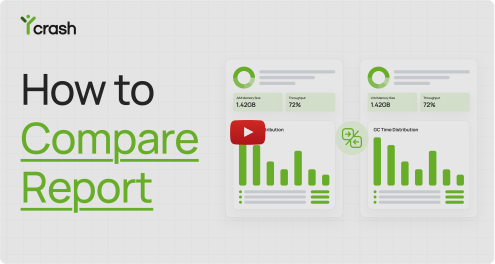
Compare Reports Find the root cause faster by comparing two incident reports side-by-side.
How to compare reports? Watch Video
Baseline vs. Compared
How comparison works
-
1
Select the Baseline Report
This could be a known-good build, a previous release, or an incident from another environment.
-
2
Select the Compared Report
This could be the latest release, a similar incident, or a report showing unexpected behavior.
-
3
Click 'Compare':
This will highlight side-by-side analysis of differences in GC behavior, thread states, memory usage, key metrics, and more.
Don't know how to compare?